
SEO professionals, agencies, and marketing teams need to keep track of their expenses.
We make it easy to access your financial history so you can send receipts to your finance department in just a few clicks, without needing to open support tickets.
To download your invoices or receipts:
- Click on your name or photo in the top right corner, and then click on My Account.
- Next, click on Invoices.
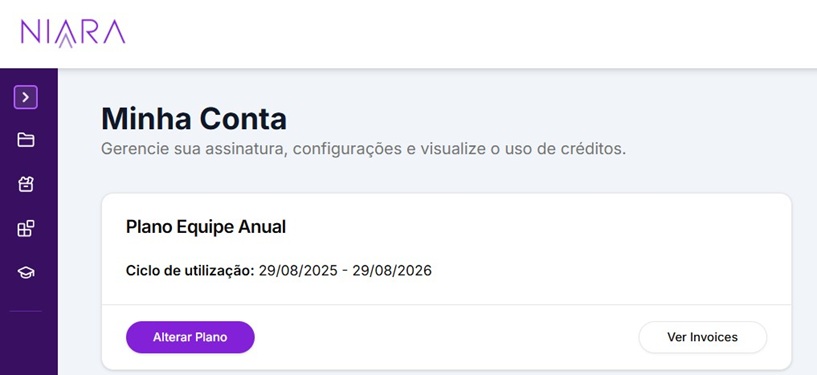
- You will see a list of all your past charges, organized by date.
- Click on the three dots next to the amount to view or download the invoice.
Important: The data shown on your invoice is generated based on the information provided at the time of subscription. If you need to change the Tax ID, Company Name, or address for future invoices, update your registration details in the same Billing tab.